
Overview
Sometimes a user account is set to be removed. To prevent the accidental removal of a user account, the user account is flagged for deletion. The user can be undeleted.
Before You Begin
Log into PRM Admin with adminTask Level 1 rights or greater.
How to Undelete a User
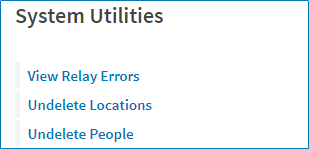
- Navigate to Administration > System Utilities.
- Select Undelete People.
- Enter the PersonID of the user you want to delete.

- Click Submit.
Comments
0 comments
Please sign in to leave a comment.