
Overview
For security purposes, Zift PRM applies a default 90-day lifespan to passwords. After this time, users will be prompted to select a new password. You can change this if required to a longer or shorter duration, in accordance with your organizational policies.
Before You Begin
Log into PRM Admin with adminTask Level 3 rights.
How to Set Password Reset Time Period
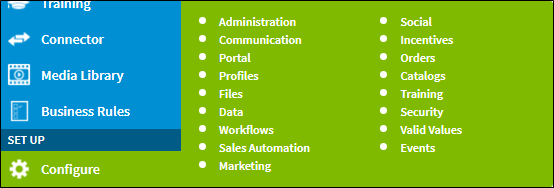
- Navigate to Configure > Administration.
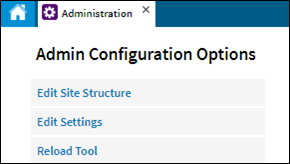
- Click Edit Settings.
- Scroll down to Security > Passwords.
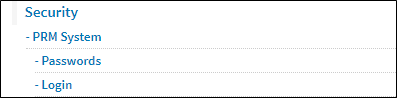
- Click Passwords.
Enter the time period in the Time before password expires field.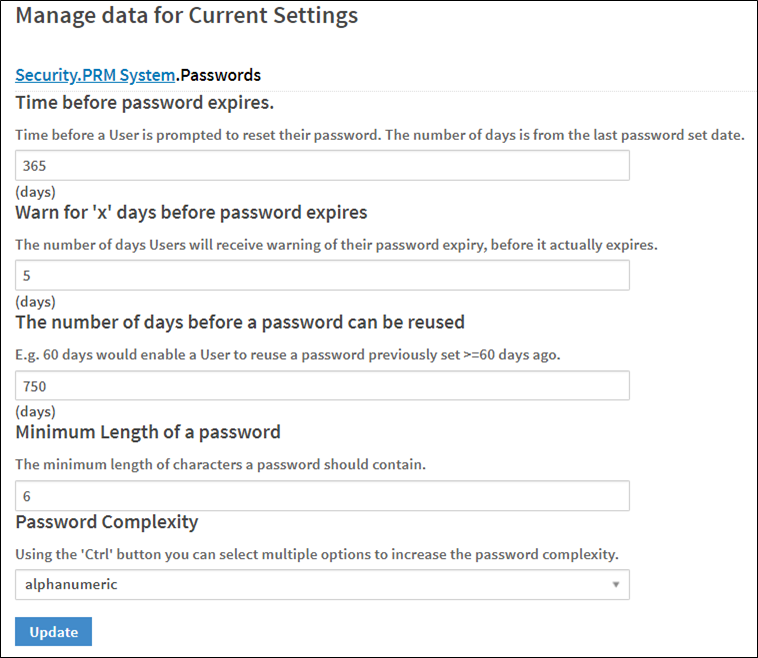
- Click Update.
Comments
0 comments
Please sign in to leave a comment.