
Overview
Zift PRM includes a Partner Dashboard option for the homepage. This graphic display of key performance indicators is fully configurable giving you an at-a-glance summary of the information you need to set priorities, make decisions, and take action where it will have the greatest impact.
The Partner Dashboard is located on the home ( ) tab.
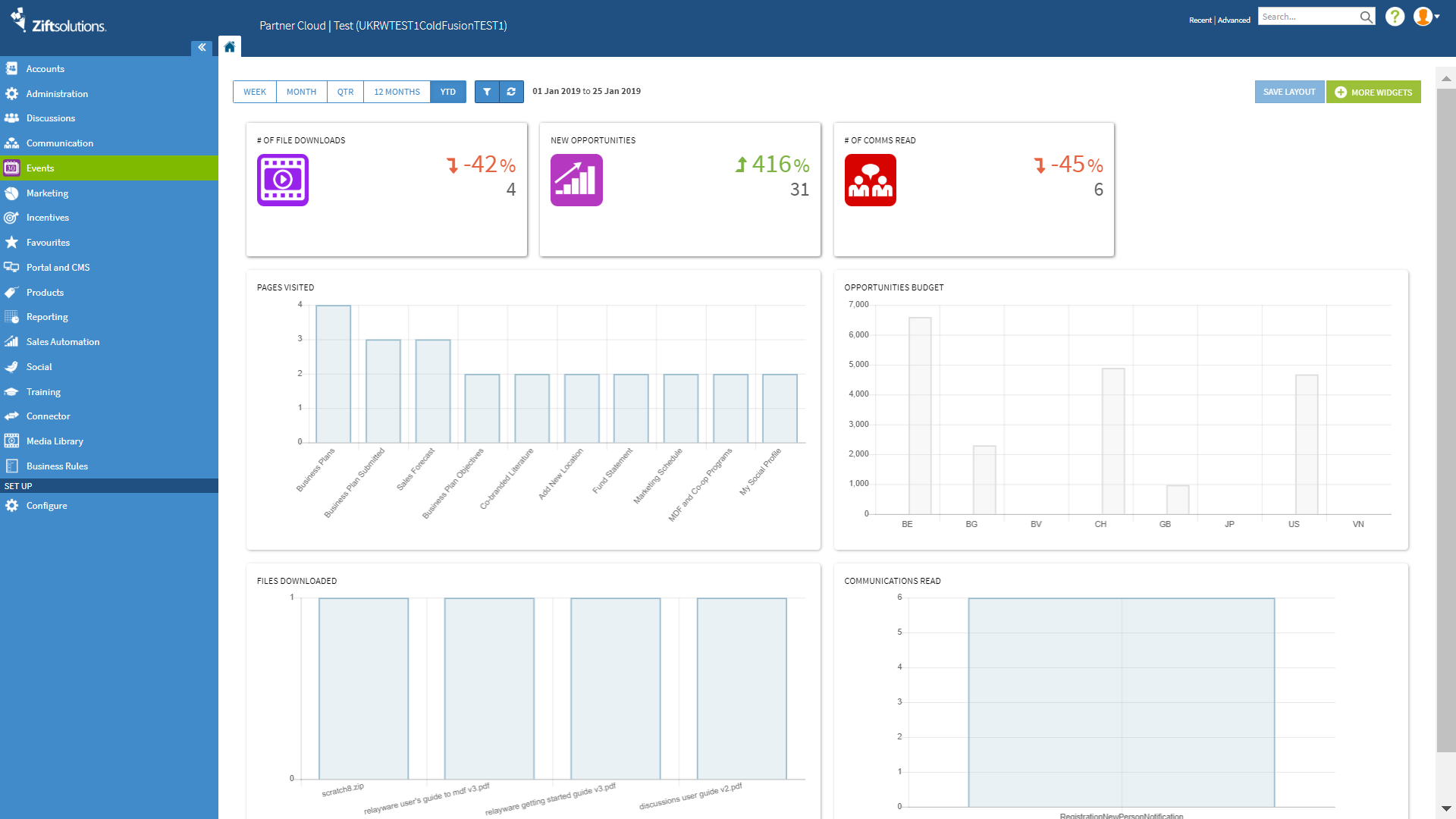
If it is not displayed, it may be that your homepage options are not set to display the Partner Dashboard. The procedure below explains how to display the dashboard.
Before You Begin
Log in to Zift PRM with adminTask level 1 or higher and userTask level 3 rights.
How to Display the Partner Dashboard
- Navigate to Administration > Homepage Options.
- Under Home Page View, select Metrics Dashboard.
- Click Save.
You can now modify the reports shown by clicking on More Widgets. You can also rearrange the displayed widgets by hovering over the top right corner of each widget and using the click-and-drag handle or the remove button.
Comments
0 comments
Please sign in to leave a comment.