
Overview
When a page is created relating to content inquiries, there are times when an employee email address is used. These types of inquiries should be directed to a generic email address.
Before You Begin
Log into PRM Admin.
How to Update Email Addresses for Content Inquiries
- Navigate to Portal and CMS > Content Manager.

- Search for the page you want to edit.
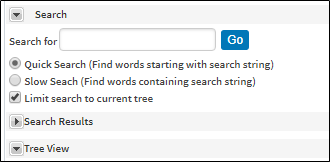
- Click on the page to access the page information.
- Search within the text area for the email address you want to change.
- Right click on the email address and select Edit.
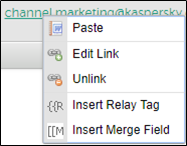
- Change the email address.
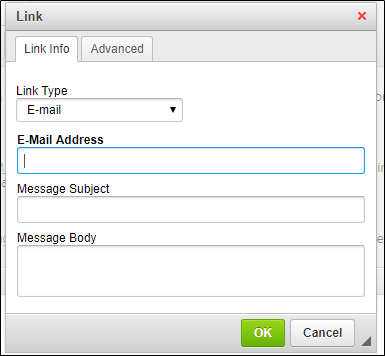
- Click OK.
- Click Save in the top right corner.
Comments
0 comments
Please sign in to leave a comment.