
Overview
This tool provided by Zift allows you to delete communications that have been sent out.
Before You Begin
- Log into PRM Admin with adminTask Level 1 rights or greater.
How to Delete Communications
- Navigate to Administration > Admin Tools.
- Click the Delete Communications button.
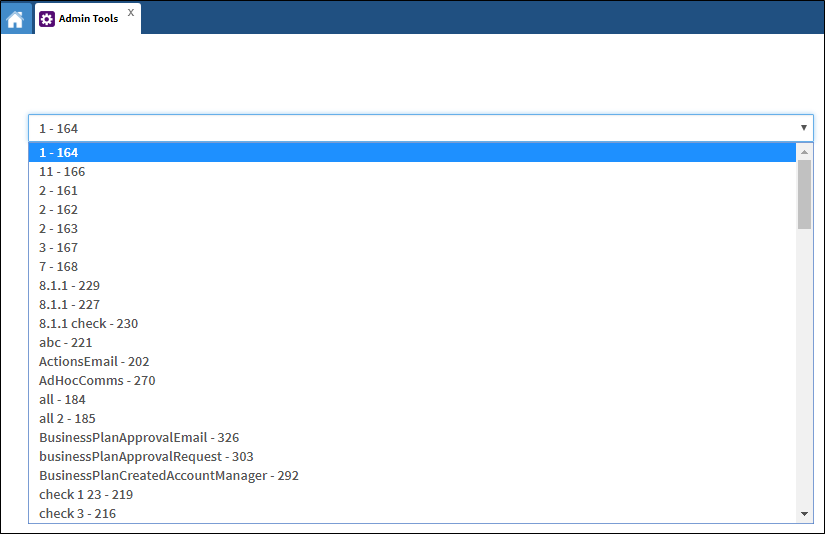
- Select which communication you want to delete from the drop-down list.
- Click Delete This Communication.
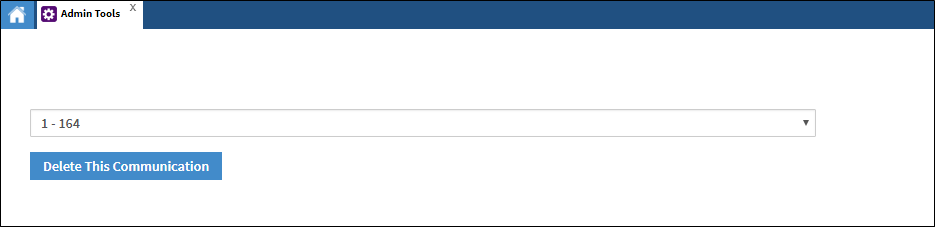
- The communication is deleted.

Comments
0 comments
Please sign in to leave a comment.