
Overview
This report provides detailed information relating to orders (prizes bought with incentive points).
Before You Begin
Log into PRM Admin with incentiveTask Level 1 rights or greater and reportTask Level 1 rights or greater.
How to Generate Orders Report Detailed
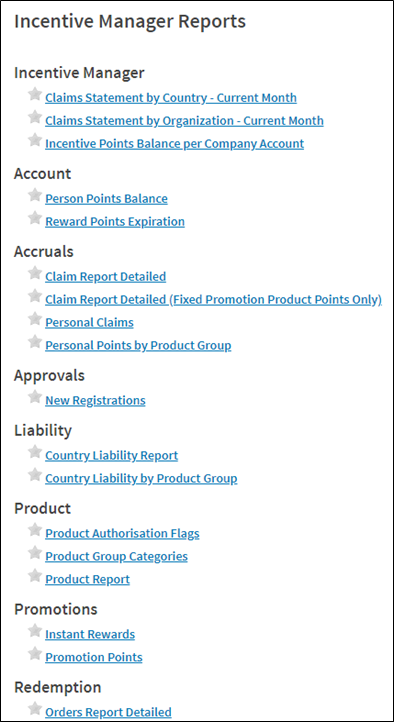
- Navigate to Incentives > Reports.
- Select Orders Report Detailed from the Redemption report list.
- Click Show Filters and select filter values.
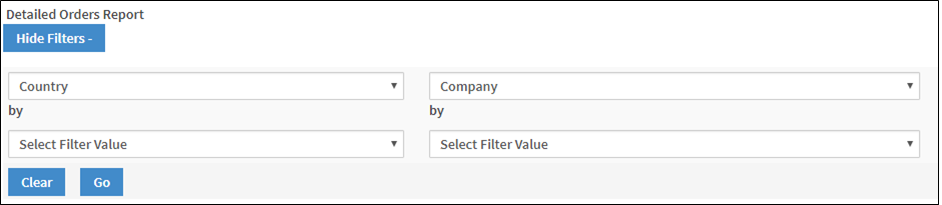
- Click Go to Generate the report.

Comments
0 comments
Please sign in to leave a comment.