
Overview
Social Relayware provides portal users with the ability to simplify the login process based on the user's social media credentials. Portal users can connect Relayware to their LinkedIn accounts, and thereafter log into their accounts without having to enter Relayware credentials.
Before You Begin
Log into PRM Admin with CommTask Level 1 rights or greater and socialTask Level 3 rights.
How to Connect LinkedIn to Relayware Social Profile
- Navigate to Communication > LinkedIn.
- Enter the required information.
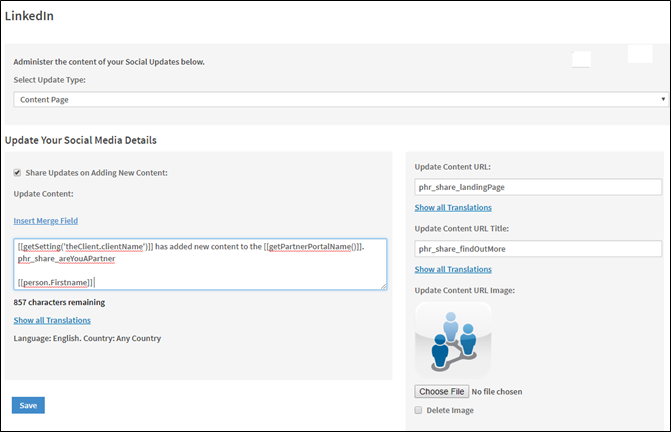
Label
Description
Select Update Type
Select which page will display your social media updates. The available options are:
- Content Page
- Event Registration
- Person Connection
- Training Certification
- Training Course
- Training Module
Share Updates on Adding New Content
Select to share updates when new content is added
Insert Merge Field
Select merge fields to appear in the update, and enter any text you wish to add
Update Content URL
Enter the URL of the page being updated with the new content
Update Content URL Title
Enter the URL title of the page being updated
Update Content URL Image
Insert or update the image being displayed
- Click Save.
How to Log in and View Social Content
- Log into the Partner Portal.
- Navigate to My Profile > Social Preference Management.
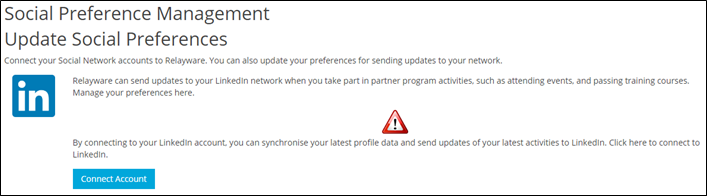
- Click Connect Account.
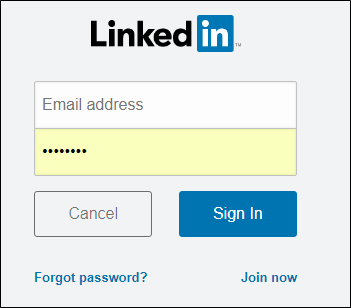
- Enter your LinkedIn credentials, click Sign In.
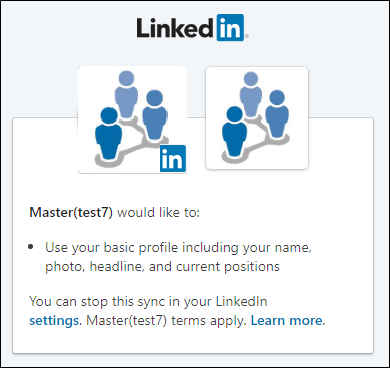
- Your LinkedIn account is now connected to ZiftPRM.
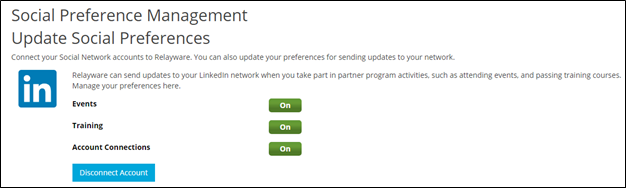
- ZiftPRM can now send updates to your LinkedIn network when you take part in partner program activities.
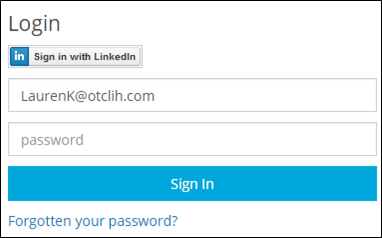
- The next time you log into the portal, select Sign in with LinkedIn. You will be logged in without having to enter your ZiftPRM credentials.
Comments
0 comments
Please sign in to leave a comment.