
Overview
Relaytags are ready-made widgets located on the WYSIWYG editor of a portal page, which enables you to quickly and easily add a wide variety of functionality to the pages of your Partner Portal. Relaytags can be used to display files and media resources, link to training courses, or enable a partner to monitor the progress of their opportunities. This article describes how to use the RELAY_ELEARNING_CERTIFICATION_REGISTRATION Relaytag.
Best Practice for Relaytags
While you can use more than one Relaytag on a single page, we recommend that you only do so if the Relaytags are querying different data. Interference and unexpected behavior may result if two Relaytags on a single page attempt to access the same data.
Before You Begin
- Log into PRM Admin with elementTask Level 2 rights or greater. The instructions below assume that you have previously created the page you wish to add the Relaytag to. In general, it is best practice to only display a single Relaytag per page.
- You will need the user level permission to Add a Phrase and the appropriate language rights.
- How to Add a Relaytag to a Partner Portal Page.
Partner Portal Result
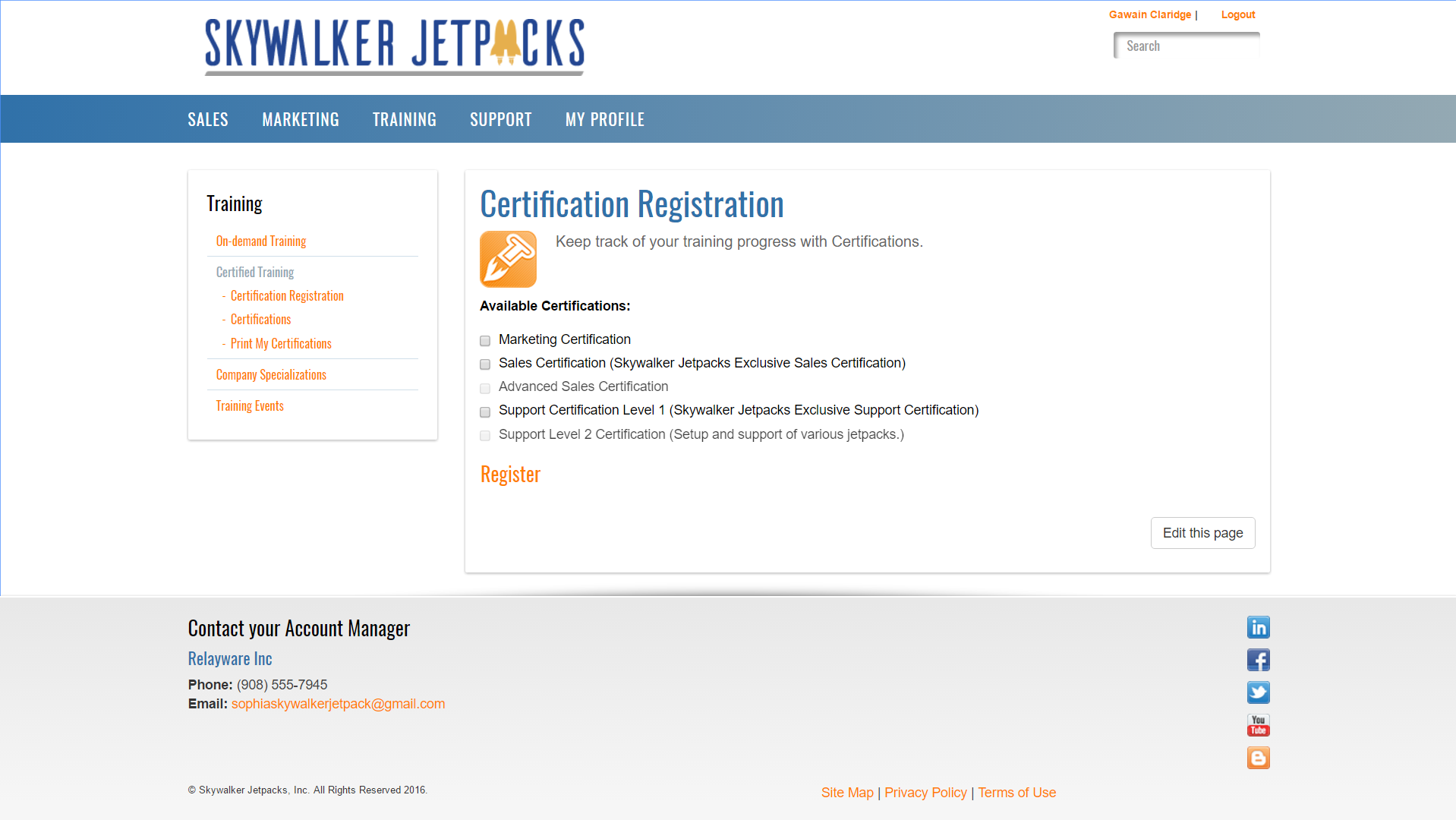
This is an example of the Relaytag displayed in the Partner Portal. You can customize the results using the parameters below.
Figure: RELAY_ELEARNING_CERTIFICATION_REGISTRATION on a Portal Page with the Example settings applied.
Relaytag Configuration
The RELAY_ELEARNING_CERTIFICATION_REGISTRATION Relaytag displays certification registration information on a Portal page. Users can register for certifications and Training Contact users can view and update the registrations of other users at their organization.
| Parameter | Type | Description |
|---|---|---|
| Certification TypeID | Drop-down List | Set the category of certification users should be able to register for. |
| Sort By | Drop-down List | Set the sort order for the display of the available certifications. |
You can add this Relaytag to a Portal page using the procedure described here.
Sample definition
Related Topics
- Portal & CMS: About Relaytags
- Video: Introduction to Training Manager
- Video: Training in the Portal Overview
- Video: Reports and RelayTags
- Video: Training Programs and Paths
- Video: Training Modules and Module Sets
- Video: How to Upload Training Courseware
- Video: Create Quizzes for Training Courses
- About Training
- Administration: Reports
- Training RelayTags
- Training: Create Quizzes
Comments
0 comments
Please sign in to leave a comment.