
Overview
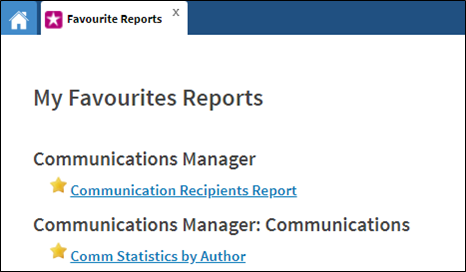
You can share reports with users. These reports will appear in their My Favorites Reports.
Before You Begin
Log into PRM Admin with reportTask Level 1 rights or greater.
How to Share Reports via Scheduling and Favorites
- Navigate to Reporting > All Reports.
- Click the icon to the left side of the report you want to share.
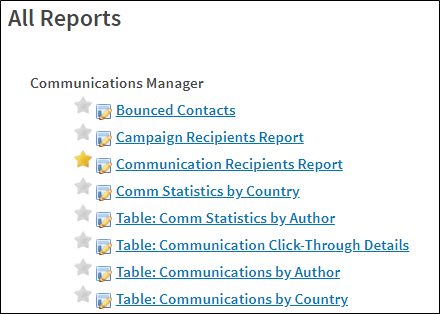
- Select which module the report originates from and the destination module.
Select the User Group from the Potential UserGroups list that you want to share the report with.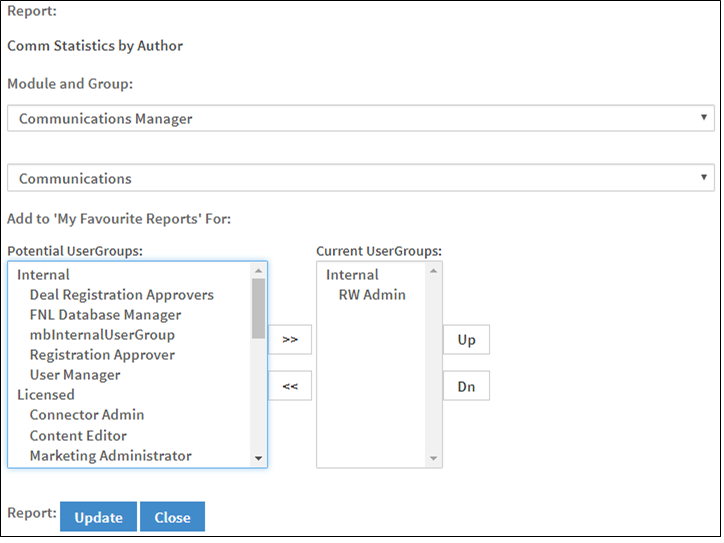
- Click Update.
- The report will be available for all the users within the selected user group.
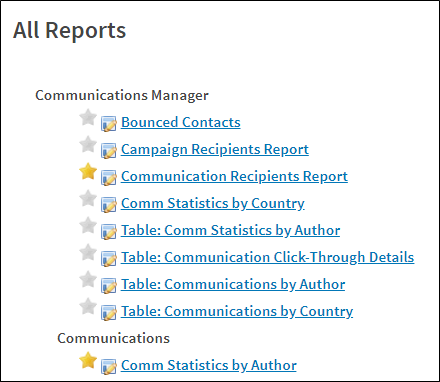
- The report will also appear in the users' My Favorites Reports list.
Comments
0 comments
Please sign in to leave a comment.