
Overview
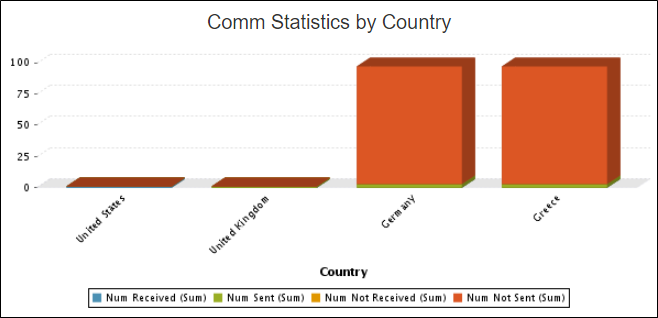
This report displays the number of communications sent per Country, grouped by communication status.
Before You Begin
Log into PRM Admin with commTask Level 1 rights or greater.
How to Generate and View Comm Statistics by Country
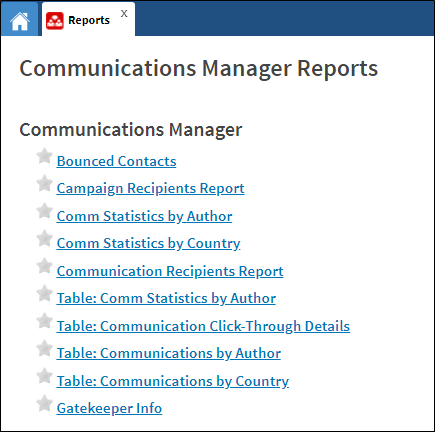
- Navigate to Communications > Reports.
- Select Comm Statistics by Country from the Communications Manager report list.
- Select input values from the Input Controls pop-up screen and click Apply.
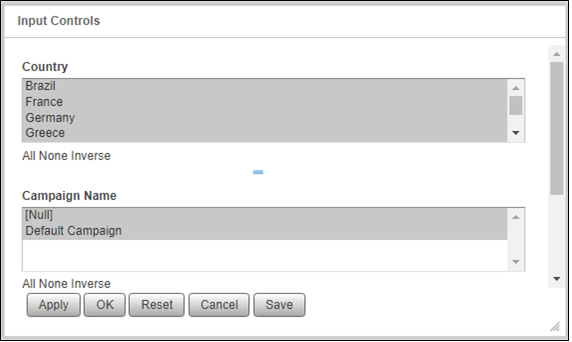
- Click OK to generate the report.
Comments
0 comments
Please sign in to leave a comment.