
Overview
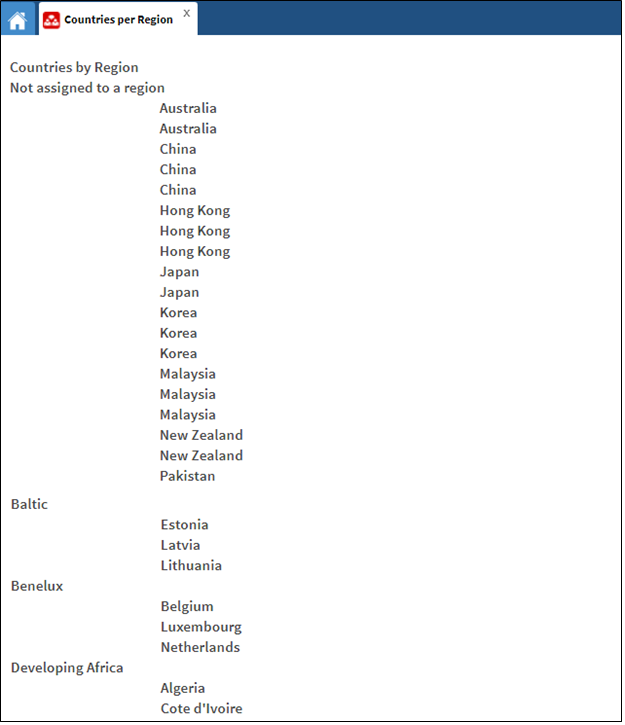
This report displays countries not assigned to a region at the top of the report, followed by a list of countries that are assigned to a region, including the name of the region assigned to them.
Before You Begin
Log into PRM Admin with commTask Level 1 rights or greater.
How to View Countries per Region
- Navigate to Communication > Reports.
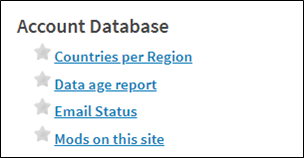
- Select Countries per Region from the Account Database report list.
- No input parameters are required for this report.
Comments
0 comments
Please sign in to leave a comment.