
Overview
The Gatekeeper function is a valuable addition to the Communication App‘s ability to maintain control over the timing and frequency of email blasts.
By activating the Gatekeeper function, it means that any communication must be approved by a
designated Gatekeeper before they are sent out to the intended targets.
This report displays the GateKeepers by country, and provides the scheduling information associated with the communications that will be sent.
Before You Begin
Log into PRM Admin with commTask Level 1 rights or greater.
How to View Gatekeeper Information
- Navigate to Communication > Reports.
- Select Gatekeeper Info from the Communications Manager report list.
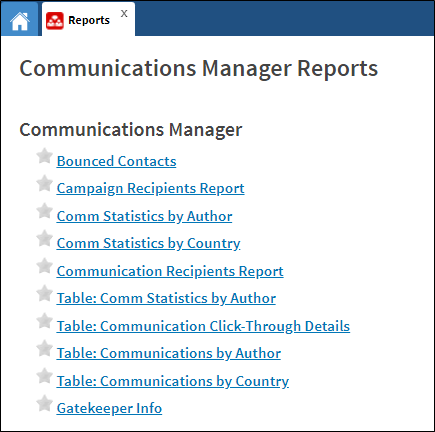
- Gatekeeper Information is displayed.
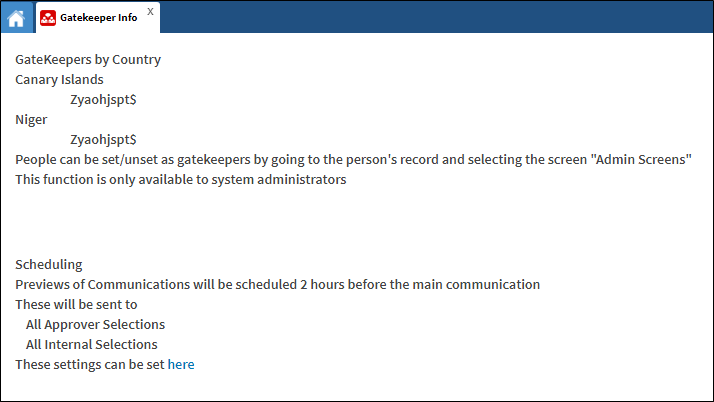
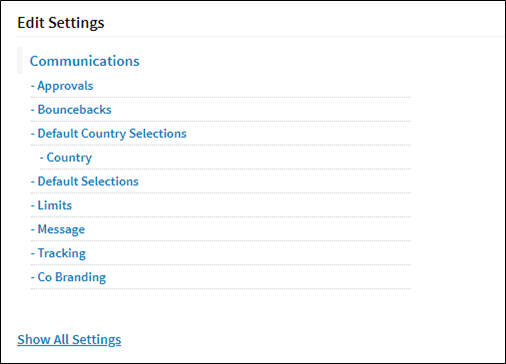
- To set the scheduling of the communications, click the here link.
Comments
0 comments
Please sign in to leave a comment.