
Overview
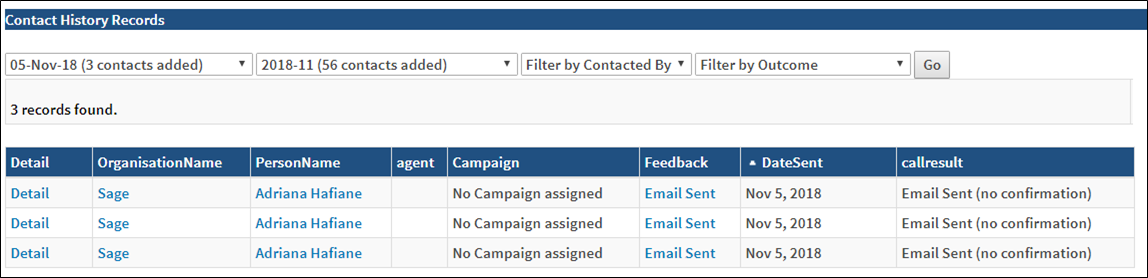
This report provides a quick summary table of all the contacts with a user. The results can be filtered by date, agent and outcome.
Before You Begin
Log into PRM Admin with commTask Level 1 rights or greater.
How to Generate and View Contact History by date/User
- Navigate to Communication > Reports.
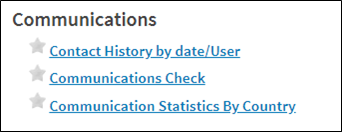
- Select Contact History by date/User from the Communications report list.
- Select the desired input parameters and click Go.
Comments
0 comments
Please sign in to leave a comment.