
Overview
The Media Library is a repository of all media assets you have uploaded to your Zift PRM environment. The Media Library menu provides access to the Library assets, a tool for viewing and defining Media Groups, and manage asset reviews.
Sometimes changes need to be made to Media Files to keep information and details correct and current.
Before You Begin
Log into PRM Admin with fileTask Level 1 rights or greater.
Update a Media File
- Navigate to Media Library > Media Library.

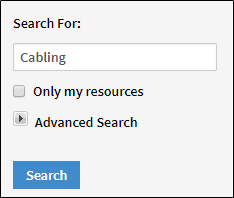
- Enter the name of the file to update and click Search.
- Click on the file to access file information.
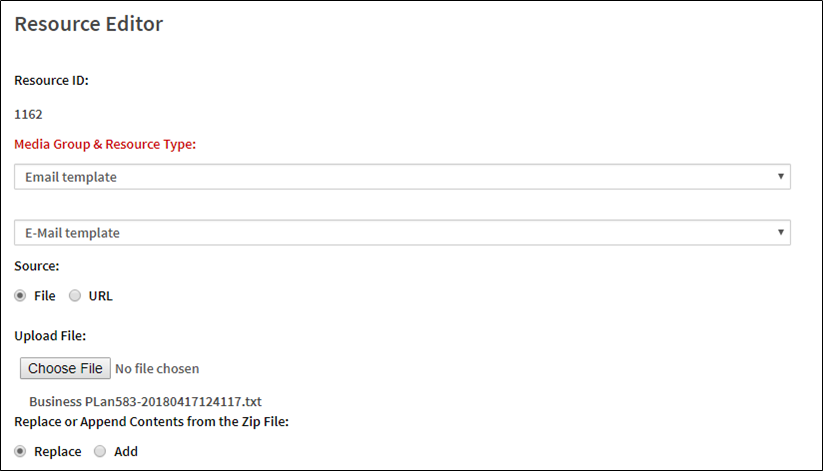
- Make updates to the file where required.
- Click Save.
Comments
0 comments
Please sign in to leave a comment.