
Overview
Zift PRM includes tools to prevent the creation of duplicate accounts. These use matching rules, where if a new registration is the same as an existing one, the new registration will not be accepted.
Before You Begin
Log into PRM Admin.
How to Avoid Prevent Account Creation
- Navigate to Configure > Administration > Edit Settings.
- Scroll down to the Matching section. Click Match Fields.
- For each of the POL Entities (Person, Organization, Location), select which fields to evaluate when a new instance of that Entity is created.
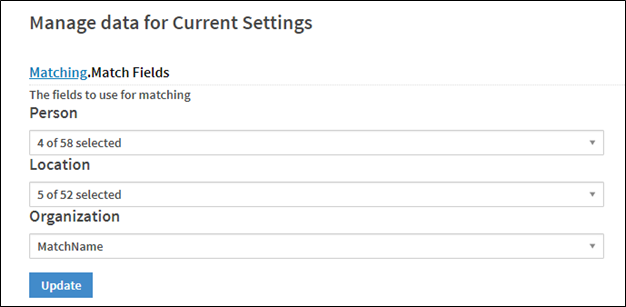
- Click Update.
Comments
0 comments
Please sign in to leave a comment.