
Overview
Inactive Products are Products that currently have the Active parameter set to No. These Products are not visible in any Catalogs.
The Inactive Products screen allows you to review which Products are currently in this state. This can be useful when troubleshooting Product visibility issues.
Before You Begin
Log into PRM Admin with orderTask Level 2 rights and incentiveTask Level 2 rights.
How to View Inactive Products
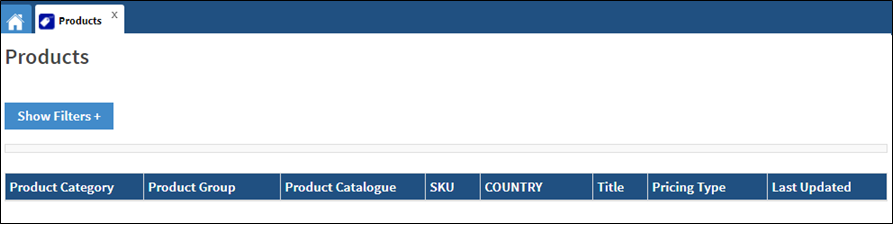
- Navigate to Products > Products.
- Click Inactive Products in the menu bar.

- Information relating to any inactive products is displayed.
Comments
0 comments
Please sign in to leave a comment.