
Overview
Minimum Product Quantities (MPQs) allow you to set a minimum number of units that are required before a Partner Opportunity can be submitted. An MPQ can be set against any active product at both a country-specific and global level. If a global setting exists and a country-specific setting is set, the country-specific setting will take precedence. The country-specific setting will be evaluated against the end customer's country, not the Partner's country.
When a Product has an associated MPQ, the number of units entered for that product on an Opportunity must be greater or equal to the MPQ value. If the user attempts to submit an opportunity with fewer units they will see an error message. This message can be modified by creating a translation for the sys_mpq_threshold phrase.
Before You Begin
Log into PRM Admin with orderTask Level 2 rights and incentiveTask Level 2 rights.
How to Set Minimum Product Quantities
- Navigate to Products > Products.
- Click Minimum Quantities in the menu bar.

- Select a Product from the Product drop-down list, select a County from the Country drop-down list. Enter the Minimum Quantity in the text box.
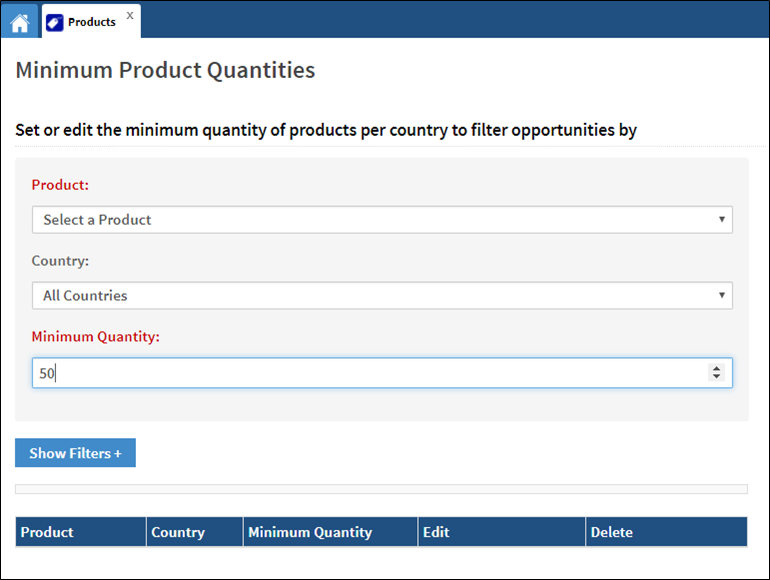
- Click Save.
Comments
0 comments
Please sign in to leave a comment.