
Overview
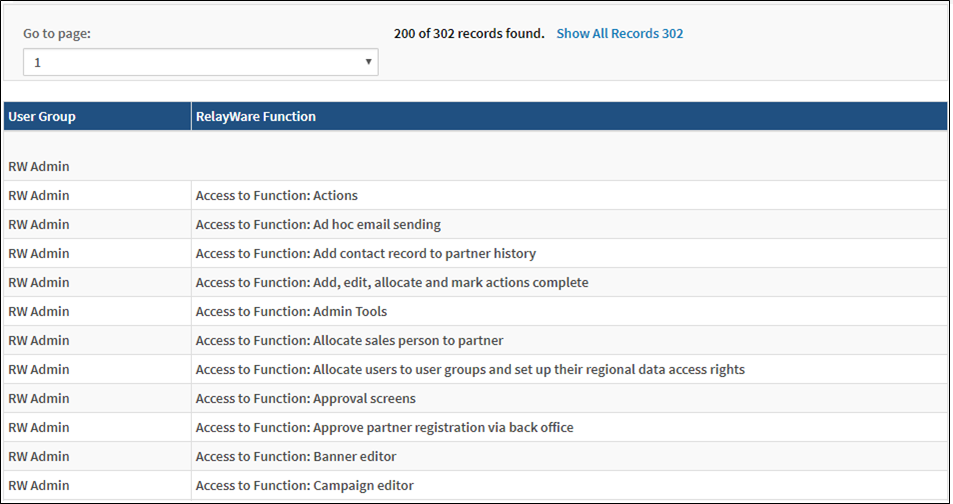
This report provides a description about each right that a user group has access to.
Before You Begin
Log into PRM Admin with reportTask Level 1 rights or greater, userTask Level 3 rights or greater and adminTask Level 1 rights or greater.
How to Generate and View Security Functions by User Group
- Navigate to Administration > Reports.
- Select Security Functions by User Group from the report list.

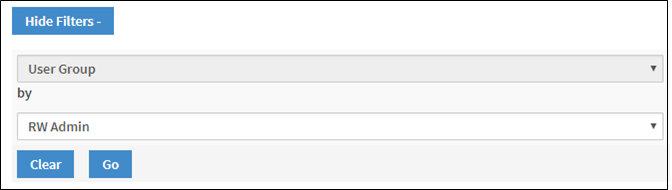
- Click Show Filters and select a User Group from the second drop-down list. Click Go.
- The security functions assigned to the selected user group are displayed.
Comments
0 comments
Please sign in to leave a comment.