
Overview
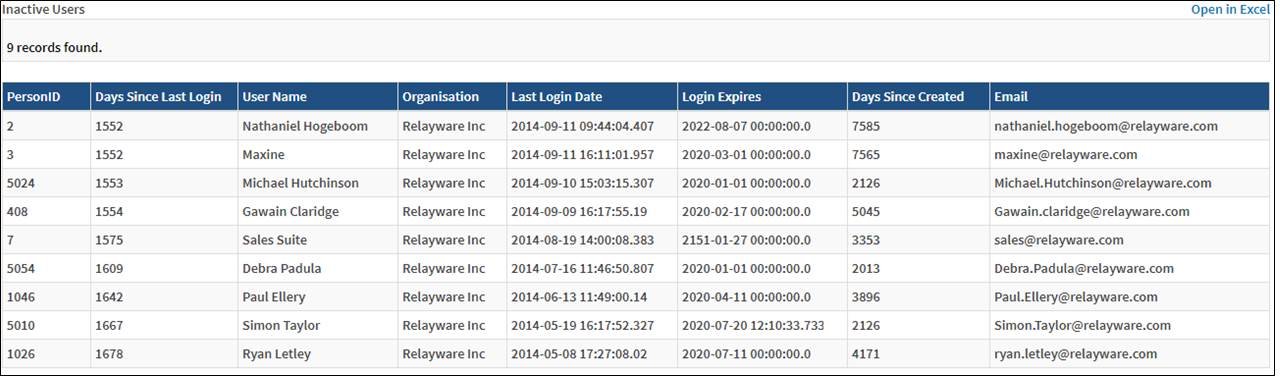
This report provides information about which users have not recently accessed the site. This report does not accept any parameters from the user.
Before You Begin
Log into PRM Admin with reportTask Level 1 rights or greater, userTask Level 3 rights or greater and adminTask Level 1 rights or greater.
How to Generate and View Inactive Users
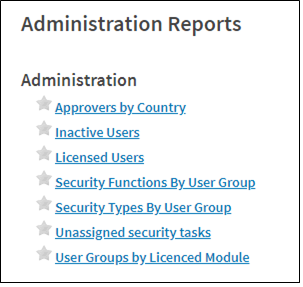
- Navigate to Administration > Reports.
- Select Inactive Users from the report list.
- The report returns a list of inactive users.
Comments
0 comments
Please sign in to leave a comment.