
Overview
The steps below describe how to delete a User Group.
Note: Deleting a User Group does not delete the associated Users.
Before You Begin
Log into PRM Admin with adminTask Level 1 rights or greater and userTask Level 3 rights.
How to Delete a User Group
- Navigate to Administration > User Groups.
- Select the User Group you wish to delete from the first drop-down list.
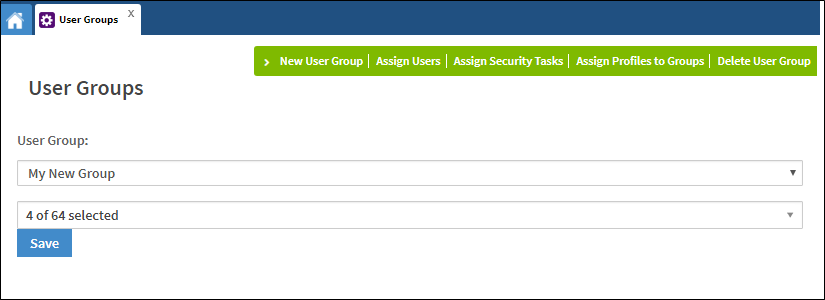
- Select Delete User Group from the menu bar.
- A pop-up will appear to confirm that you want to delete the User Group.
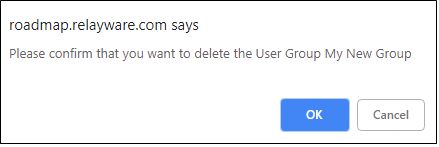
- Click OK.
Comments
0 comments
Please sign in to leave a comment.